Quick step by step guide for free version of Bolt.
I'm currently only using Bolt as a proof of concept to generate small experimental websites, consisting of a handful 4 or 5 pages, nothing more. Your interest or usage and results may vary. I also only use the free version since I only take about 10 or 15 minutes in total to build something and then tweak it and then get back to other work.
Head over to bolt.new
Type in whatever website you want bolt to build for you, for example;
Create a recipe website to share my favourite recipes with friends.
Also provide a secure password protected admin page where I can
edit recipes and upload photographs
Click the arrow to generate your website. (You will be prompted to create a free
StackBlitzaccount)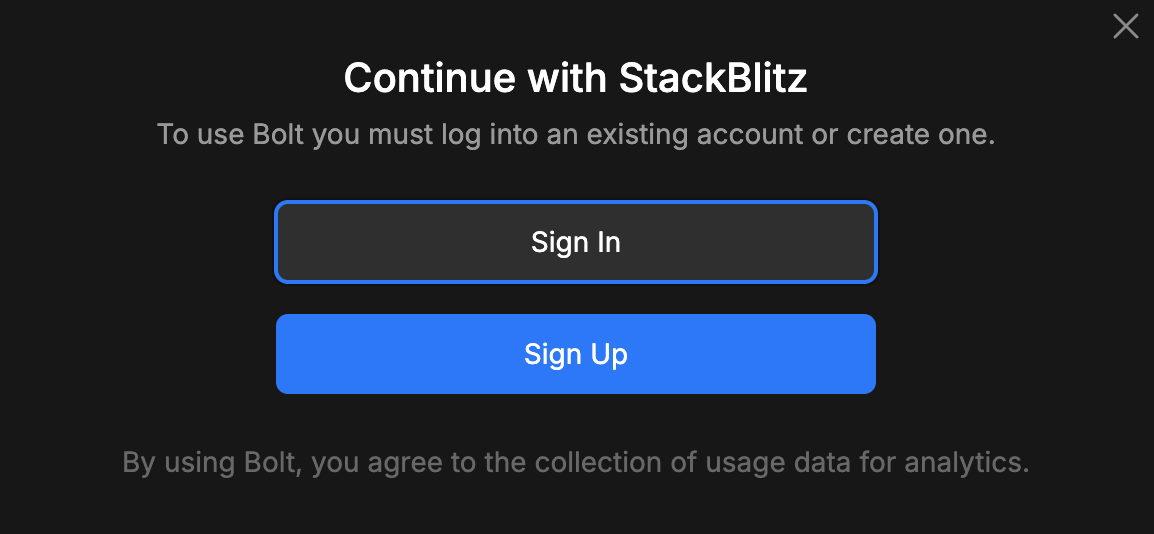
Sign up to Stackblitz using a username and password, and when done, close it if necessary, and come back to bolt.new and start again. This time you will go through as Bolt and Stackblitz will remember you. If you are a developer and have a github account, I would recommend signing up using username and password while you trial it, and dont use your github account; this gives you more flexibility with the free version. (tbc)
At this point, if you've done so yet, enter your prompt, we'll use the recipe example above.
Bolt will show a whole bunch of thinking, (out aloud, which is very nice) and then build a website for you and it will appear in the preview pane on the right. At this point your website is not deployed, just running in dev mode.
Play with your site, test it, and then simply ask bolt to deploy it. Literally just type
deploy
orplease deploy
orOh grand master of code and design, ...I beg you to please deploy this wonderful work
, and Bolt will do exactly that, and then tell you the free domain address for your website.At any point you can chat with Bolk and say, So and so doesnt work, and she will think a bit and say something like, Oh it's because of X or Y, I'll fix that.
Do this as many times as you like, but I would recommend a really bad practice, as a bit of a hack with the free version, and that's to make rather big changes at a time, rather than lots of little changes. This is the best way to maximize your free credits with Bolk. If they're used up then that's that and you have to wait until tomorrow.
When bolt tells you have you run out of free credit

Go do some other work. The free limited resets daily. Come back tomorrow ;D
How far can you go without programming?
Pretty far, but you end up struggling the moment you need to start debugging anything unexpected, and debugging will almost certainly use up the free trial daily credits.
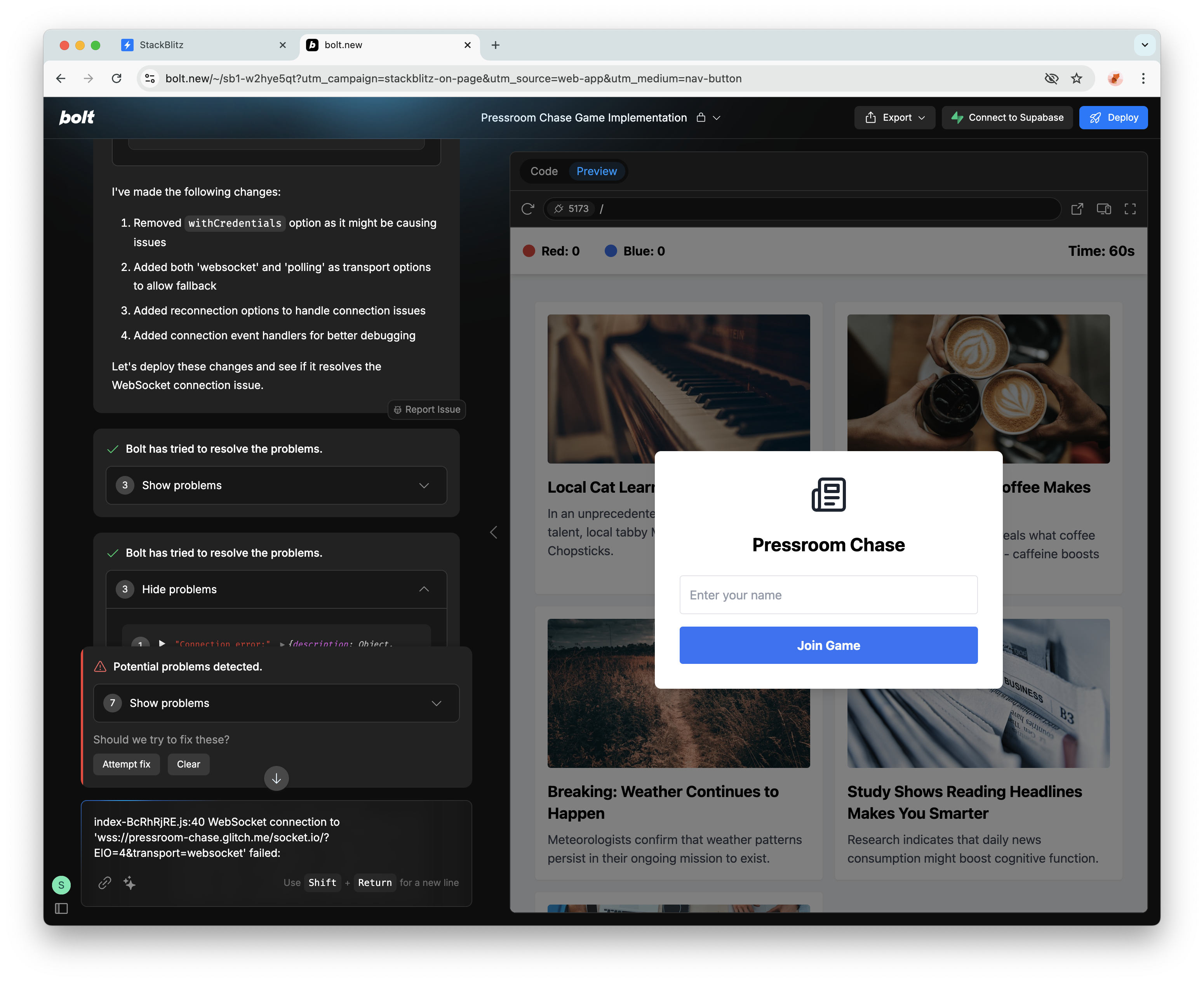
If all you need is a somewhat static or uncomplicated dynamic website driven off some hard coded (mock) data, then you can achieve a huge amount with the free trial. If you can write your own API's on the backend and ask Bolt to talk to them to fetch data then that can also go quite far without any programming, however, regardless of the project, you'll eventually after perhaps 15 or 20 minutes of
programming
end up at a screen like this where bolt detects a problem and cannot resolve it and there's a loop,bolt found a problem, fix it?
, you say yes, and the same thing happens again.
Where did my project go ? (I've lost everything I just built)
Dont panic, it's all still there inside Stackblitz, so login to stackBlitz using the username and password you used when signing up.
Here's the part that's not intuitive, the dashboard shows NO PROJECTS, and so does Projects. Navigate to
collections
, your website will be there.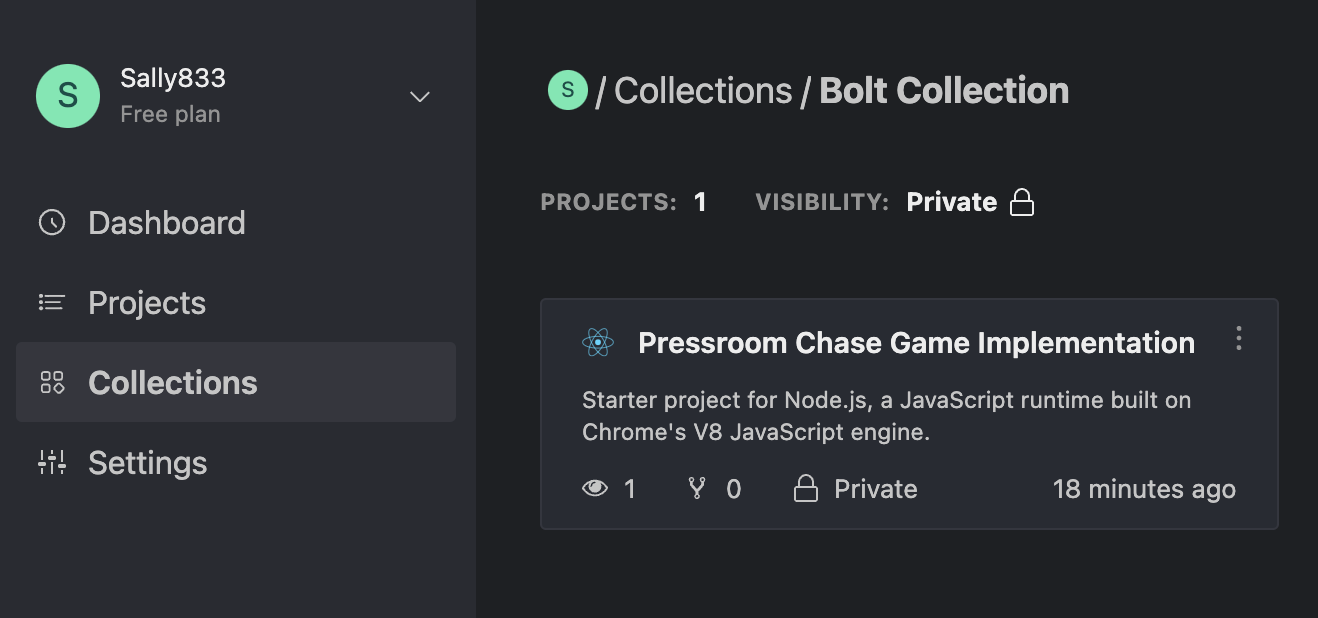
Click the project, and a StackBlitz editor will open. (these are not the driods you are looking for.)
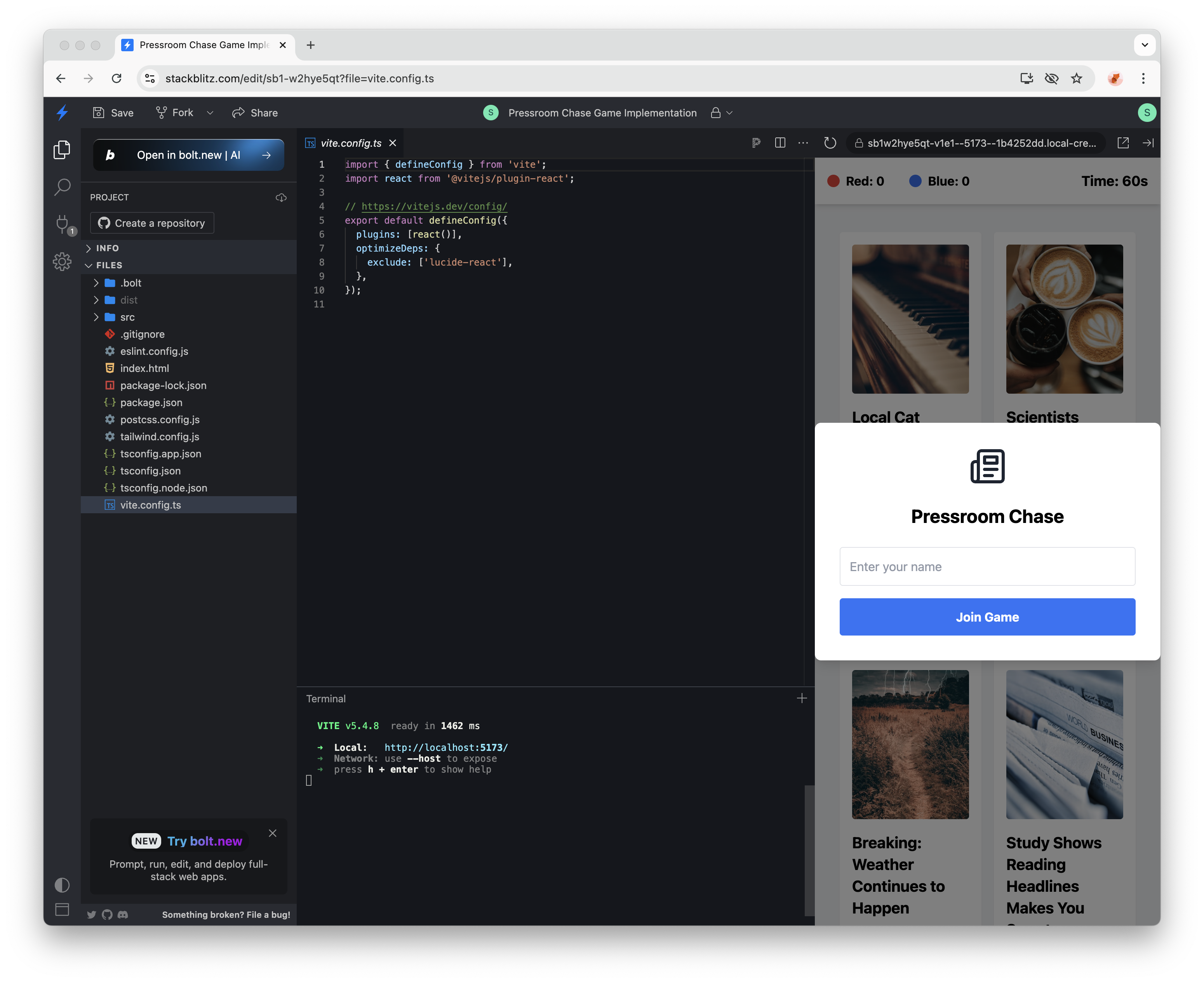
Top left of the editor, there's a
open in bolt.net
, click that, those ARE the droids you are looking for. (Accept yes, leave site)Bolt will open with your site and if you asked bolt to deploy your site at any point, that will be visibile in the chat window. You may need to scroll a bit to find your links. If you have bolt credits left, you can speak to bolt and ask it what your free website domain is, if you lost the link.
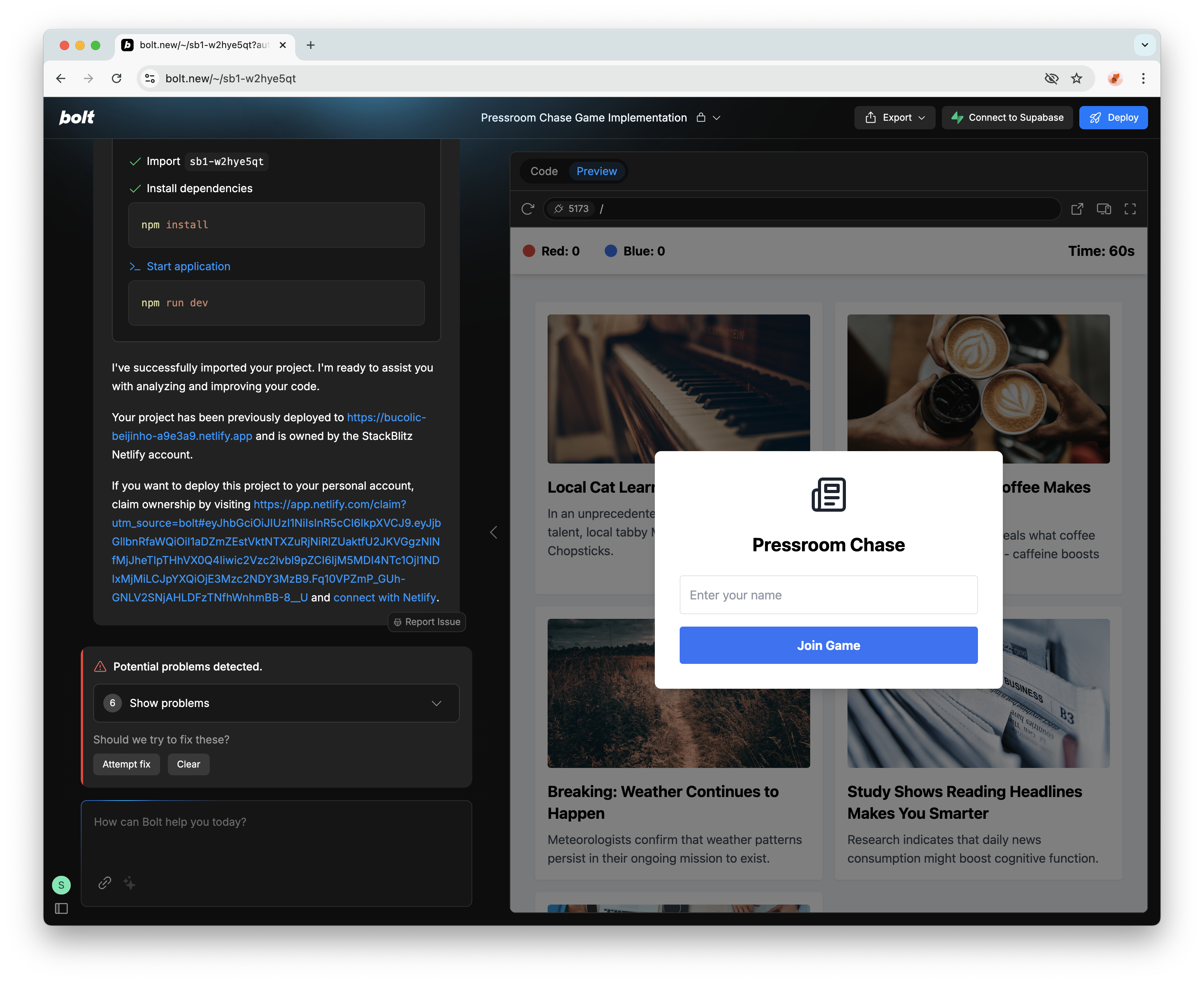
Parting thoughts and one lovely cheat!
Given how incredibly well it does after only being around a very short while, and given how rapidly AI is evolving I'd say the limitations are probably being pushed out faster than our imaginations can use what's currently available!
Ooh, before I forget, the best cheat ever is to take the roughest and simplest description of what you want, and then ask ChatGPT to create a really decent propmpt for Bolt, that's what I did this morning, see below.
Lastly remember to tell it to use some lovely sample placeholder images from unsplash that are releveant to each example, and bolt will do that. It will also include sample demo data, so you can say things like, "please include 400 example demo users with mostly english 60% and 40% foreign names and make all the addresses English/UK.
ChatGPT Prompt
as a professional prompt engineer, write a prompt that will be given
to https://bolt.new in order to generate a proof of concept Q&A
website for assessing a company's digital strategy, and then producing
a report after the questions are entered. Focus mainly on making sure
the UX looks professional and asks the right questions in an
appropriate that does not scare off senior CEO's who will be the main
users
This is what I got back
Prompt for Bolt
Please generate a fully functional proof-of-concept Q&A web application
for assessing a company’s digital strategy, designed primarily for CEOs
and other senior executives. The application should:

1. Present a clean, modern, and professional user interface that follows
a multi-step wizard approach, showing progress at each step.

2. Guide the user through questions about their digital objectives,
current initiatives, technology stack, budget, challenges, and timeline,
using simple business language. Include about 7–8 key steps with succinct
questions to avoid overwhelming or intimidating users.

3. After the user completes the Q&A, generate an executive summary report
that covers:
   - A brief overview of the user’s stated digital position.
   - Notable strengths and opportunities.
   - Potential risks or gaps in their strategy.
   - Clear, actionable recommendations or next steps.

4. Provide a final screen displaying this summary with a user-friendly
layout and an option to download the report as a PDF. The tone of the
report should be encouraging, focusing on high-level strategy without
delving into overly technical details.

5. Ensure the design is responsive, professional, and easy to navigate,
suitable for C-level executives who value clarity and brevity.

Use any front-end framework or approach you see fit, but maintain a
polished user experience with minimal friction.
This was the result: https:/melodic-tartufo-e52f07.netlify.app
I tweaked it afterwards (2 minutes) to tell it the pdf download wasn't working, and to add copyright and link to my website, which it did without any fuss.
Other examples
Here's two other demo examples I created, also within about 10 to 15 minutes of effort in total.
| Project | Url | Features |
|---|---|---|
| Builder's showcase website | https:/tranquil-syrniki-3e4c98.netlify.app | tags and search by tag filtering, before and after image viewer, category browsing, secure secret admin page to edit listings |
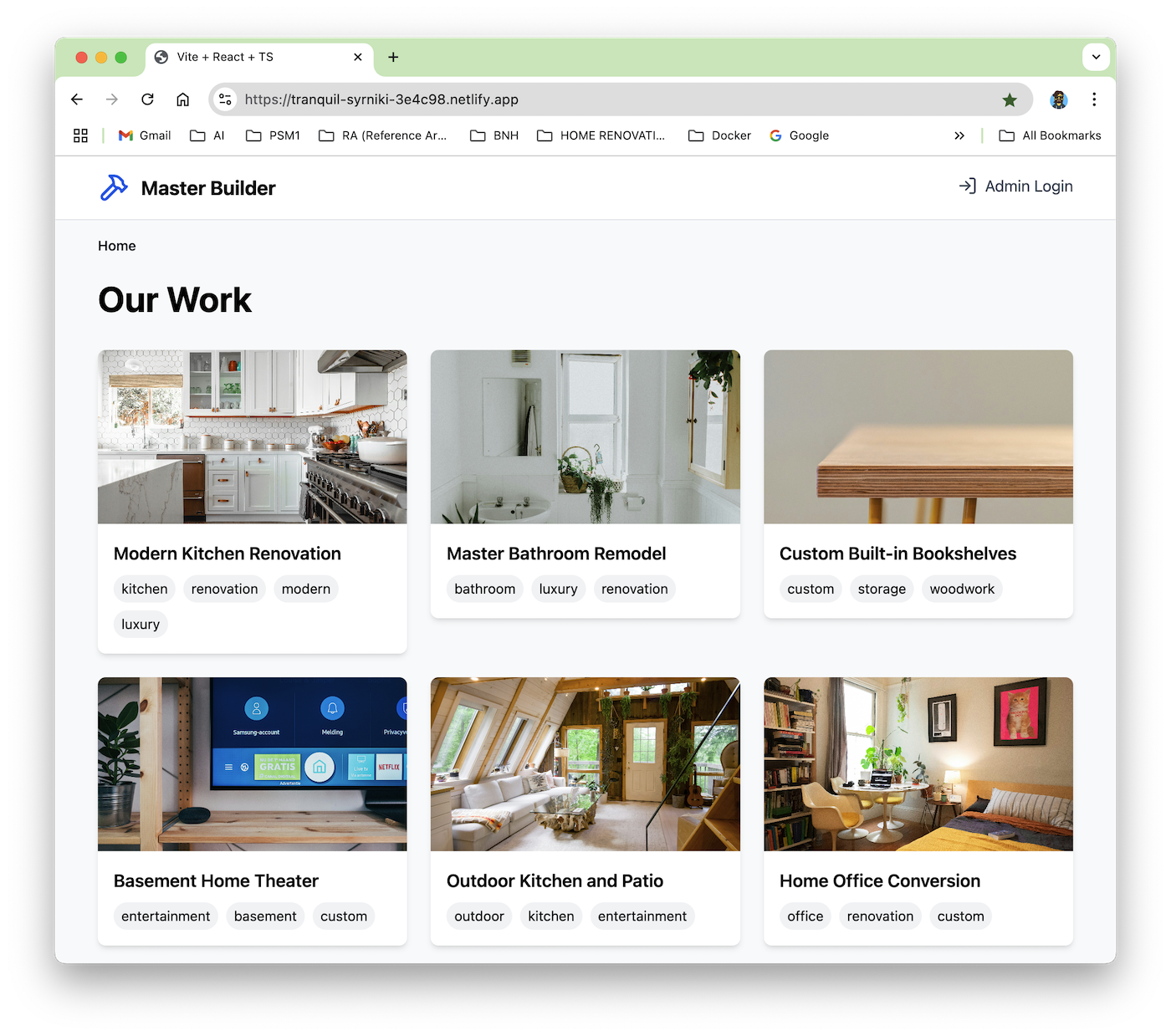 | ||
| Domain marketplace | https:/dulcet-alpaca-ebed3f.netlify.app | tag filtering, sample data, user favourite tracking, pop up dialogs, fake Oauth login with logged in views different to anon users |
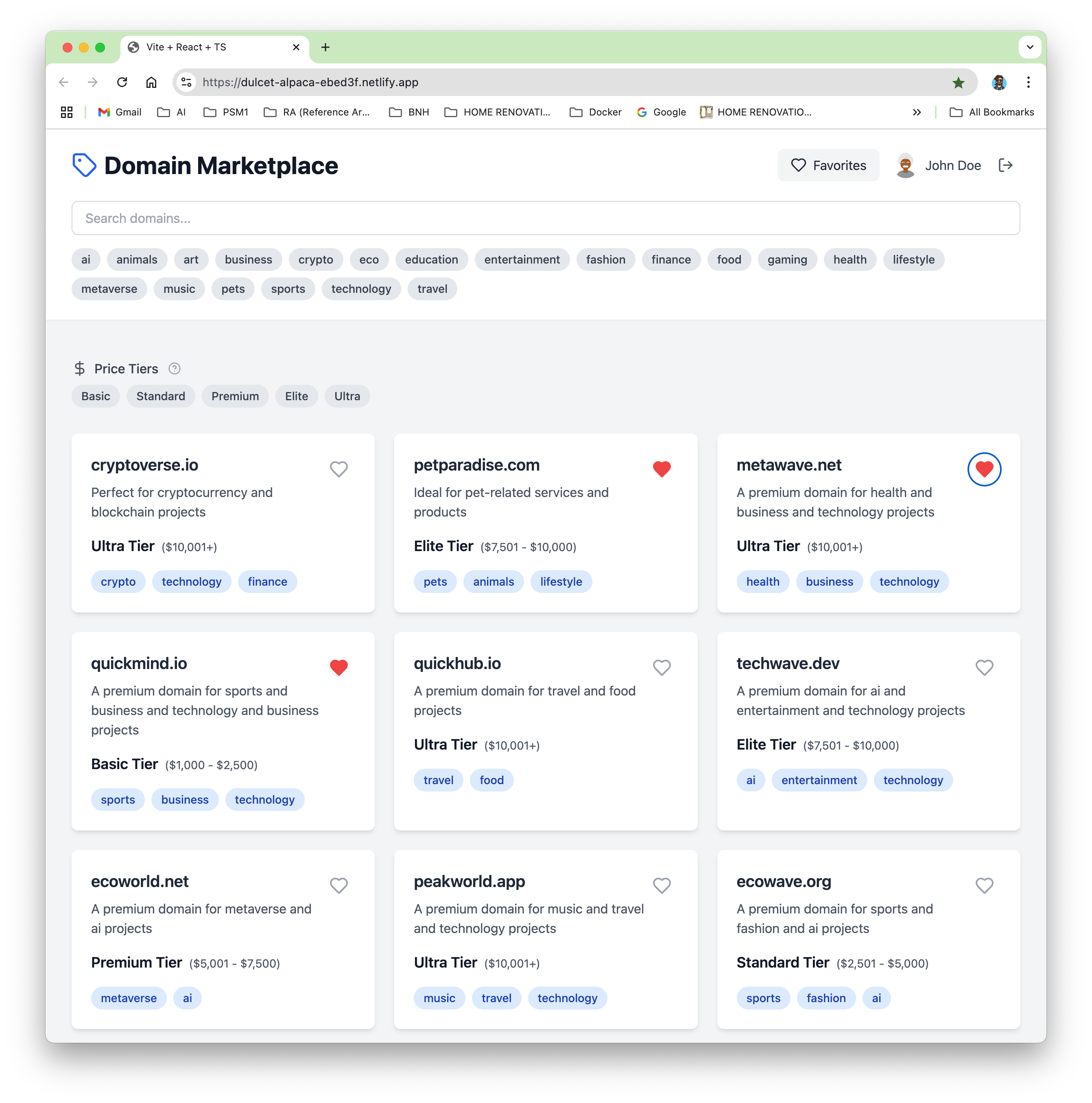 | ||
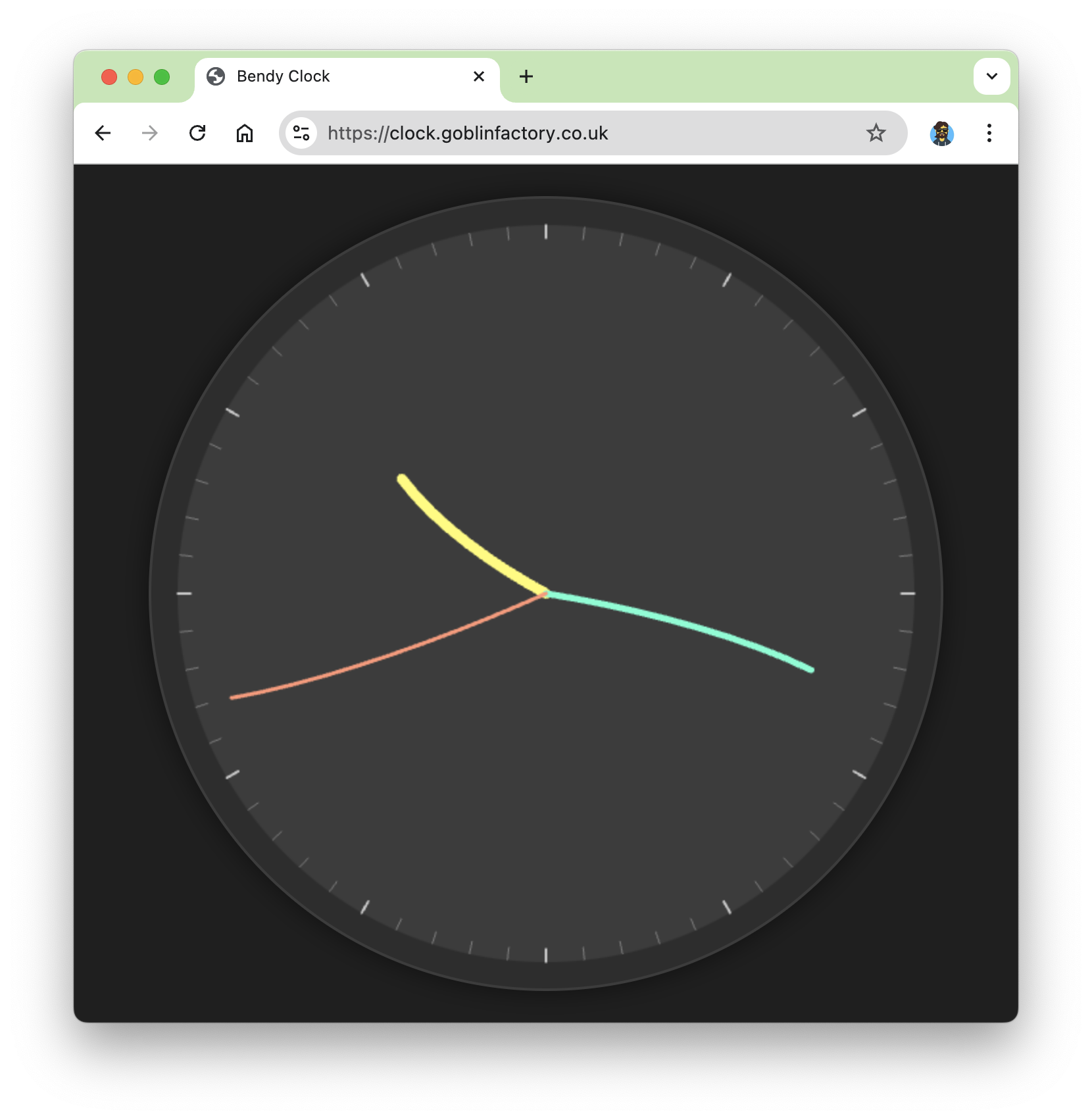
Bendy Clock
Just to round everything off, I include an example of a clock that ChatGPT built for me from the single prompt below. It works first time without any editing. You can see the clock here : clock.goblinfactory.co.uk
This was the exact prompt I used ->
build a website that shows a clock with really strange bendy hands that wave around close to the hour minute and second.Click the clock image below to see it live.